

Project Overview
About 3A Brands
3A is a leading company in Italy in the distribution of clothing, footwear, and accessories, offering a wide range of products to both consumers and business partners. With a strong presence in the market and a commitment to quality, 3A Sport is constantly seeking ways to enhance customer satisfaction and streamline its operations.Key Challenges
- High Dependency on Manual Processes
- Time-Consuming Administrative Tasks
- Inefficient Ticket and Query Handling
- Inefficient Ticket Management
Our Solution
Nivara developed a comprehensive AI ecosystem for 3A Brands, integrating multiple technologies to address their specific challenges.Sales Condition Creation
Centralized Shipment Tracking
Automated ERP Data Registry Generation
Conversational AI Interface
Implementation Approach
Phase 1: Assessment
Phase 2: Planning
Phase 3: Execution
Getting Started with Nivara Customer Service AI
Overview
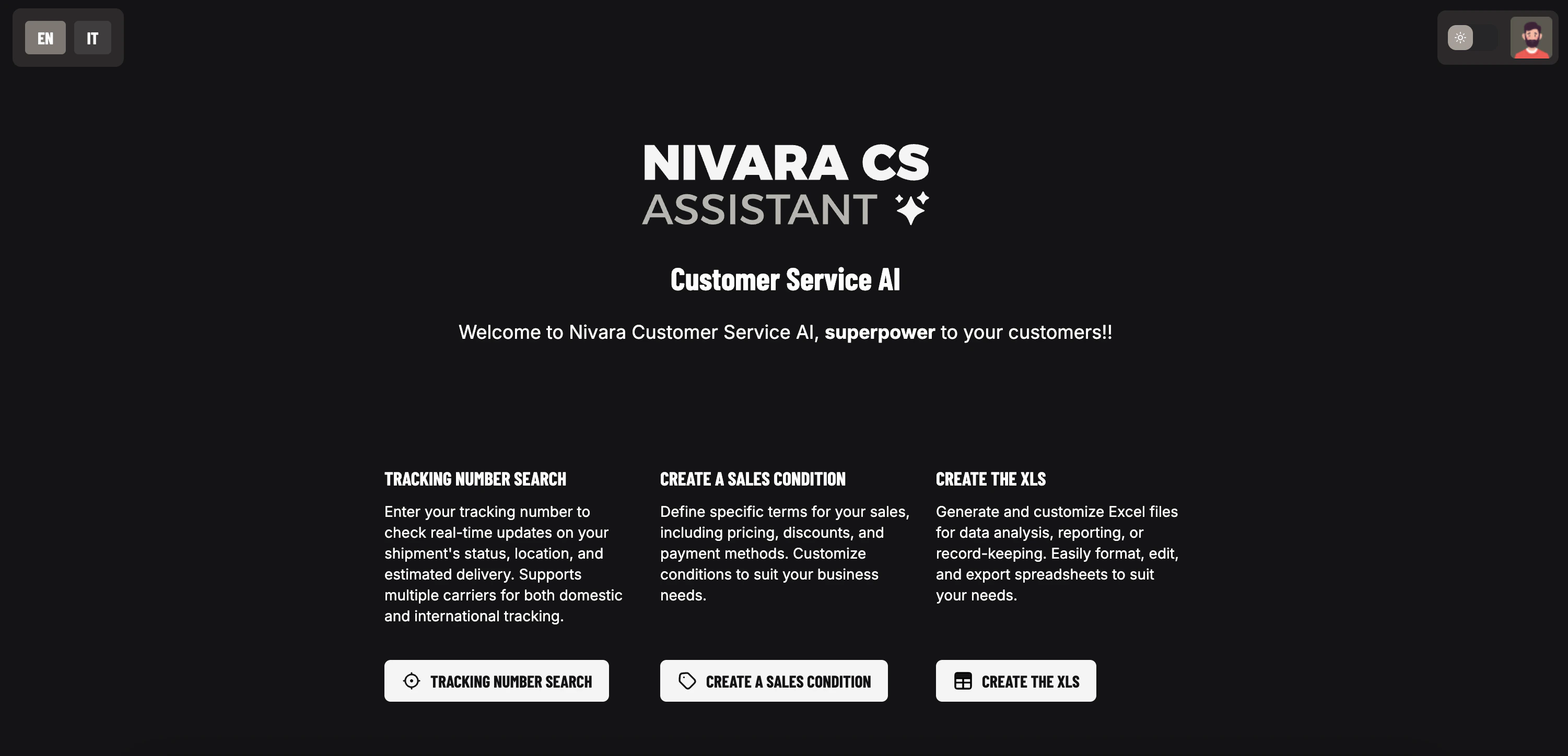
Nivara Customer Service AI is a comprehensive solution designed to streamline shipment tracking, sales condition management, and excel report generation. With its intuitive interface and powerful features, Nivara Customer Service AI helps you manage your customer service operations efficiently.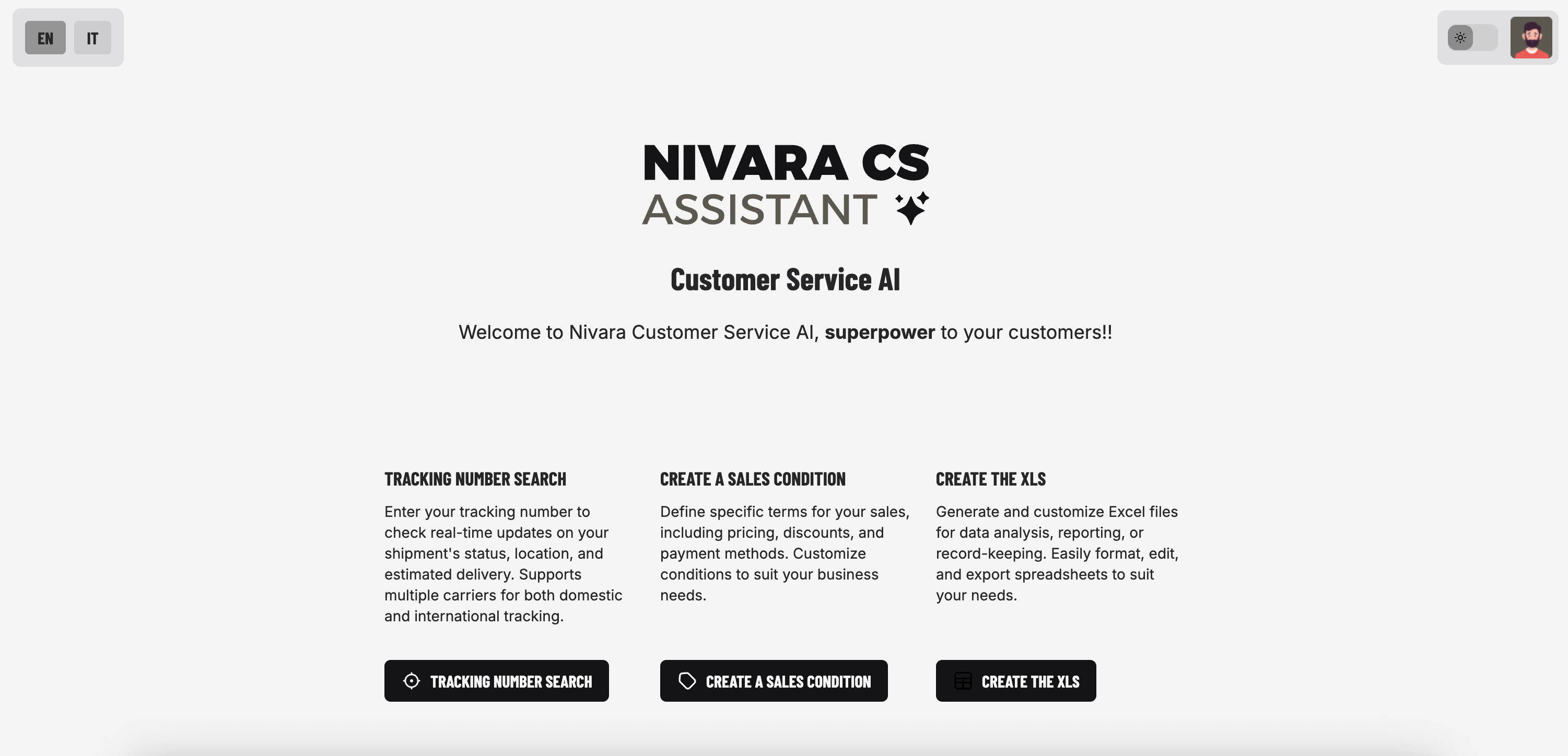
System Requirements
Application Requirements
- Web Browser: Latest version of Chrome, Firefox, Safari, or Edge
- Internet Connection: Required for accessing the application
Authentication
Nivara Customer Service AI leverages Supabase to implement a secure authentication system with comprehensive user management features:Login Options
Login Options
User Access
User Access
Access Control
Access Control
Quick Start
Follow these steps to quickly get started with Nivara Customer Service AI:Log In/Create an Account
Explore the Dashboard
Track Your First Shipment
Create a Sales Condition
Generate Excel Report
Core Components
Nivara Customer Service AI offers a comprehensive set of features designed to streamline your customer service operations:Shipment Tracking
Search for shipments by customer name or order ID with intelligent matching capabilities.
- View detailed shipment information
- Natural language query interface
- Fuzzy matching for customer names
Sales Condition Creation
Create and manage comprehensive sales conditions for your customers.
- Detail-based or type-based conditions
- Customizable pricing and discounts
- Payment terms management
Excel Report Generation
Generate customized Excel reports with comprehensive filtering options.
- Filter by customers and orders
- Downloadable Excel format
Conversation History
Maintain and manage conversation history for all features.
- Save and retrieve conversations
- Rename and organize threads
- Context-aware responses
Tech Stack
Frontend
- TypeScript: Core UI
Backend
- FastAPI: Modern, high-performance web framework for building APIs
- Uvicorn: ASGI server for FastAPI
- Python: Programming language
- SQLite: Database for storing conversations, user profiles, and shipping records
Deployment
- Docker: Containerization for consistent deployment
- Compute Engine: Application Serving
- GitHub Actions & WatchTower: CI/CD pipeline for automated deployment
Agent Details
Nivara Customer Service AI uses OpenAI’s language models to power its conversational interfaces:Agent Implementation
- Models Used:
- OpenAI o3-mini: For shipment tracking, sales condition, and Excel download agents
- Framework: pydantic-ai for agent creation and management
- Agent Types:
- Shipment Tracking Agent: Handles shipment tracking queries
- Sales Condition Agent: Assists with creating sales conditions
- Excel Download Agent: Helps generate Excel reports
Other Experiments
- Gemini
- DeepSeek
- Comparison
Gemini 2.0 Flash Experiment
We evaluated Google’s Gemini 2.0 Flash model as an alternative to OpenAI’s models for our agent implementation. Our testing revealed several limitations:
Key Findings
Conclusion
While Gemini showed promise in general language understanding, its limitations in following precise formatting instructions made it less suitable for our structured agent workflows, leading us to continue with OpenAI’s models for production deployment.