> ## Documentation Index
> Fetch the complete documentation index at: https://docs.nivara.io/llms.txt
> Use this file to discover all available pages before exploring further.

# Covita v0.2

> Multi-Agent System with voice functionality, whitelisted login, and specialized recommendations for analyzing patient data

# Getting Started with Covita v0.2

<Note>
  This guide will help you understand the Covita v0.2 multi-agent system and how to interact with patients health data using enhanced features.
</Note>

### Overview

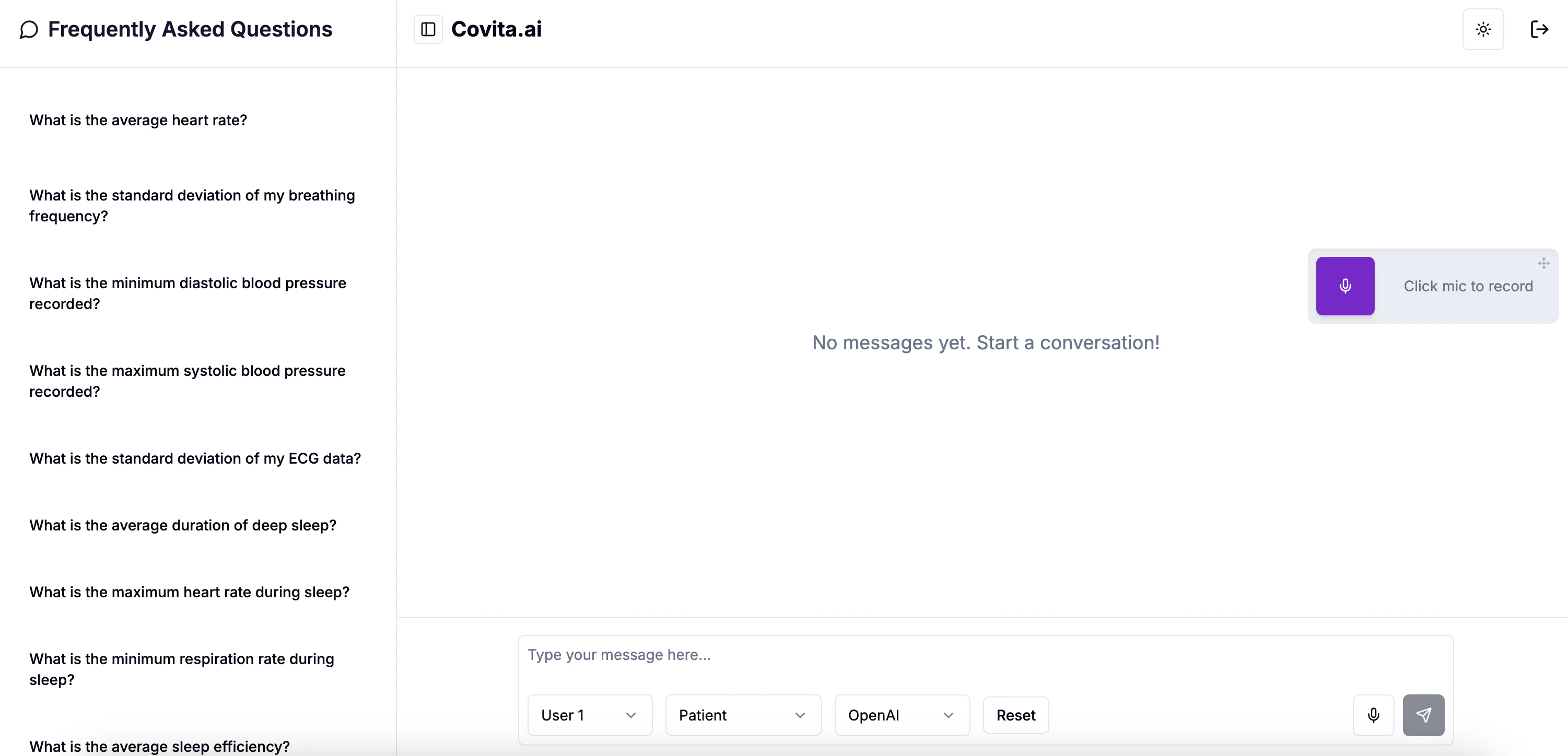
Covita v0.2 is a comprehensive solution designed to analyze and provide insights from health data, including heart and sleep metrics. With its multi-agent approach and powerful features, Covita helps manage senior health monitoring efficiently with new voice functionality and specialized recommendations.

<img className="block dark:hidden" src="https://mintcdn.com/nivara/BdU5x643xwbrBgr0/projects/covita/versions/v0.2/images/covita-alpha-0.2-light.png?fit=max&auto=format&n=BdU5x643xwbrBgr0&q=85&s=3277751d44c75087d9e03880dd5c37e2" alt="Covita Dashboard Light" width="3002" height="1448" data-path="projects/covita/versions/v0.2/images/covita-alpha-0.2-light.png" />

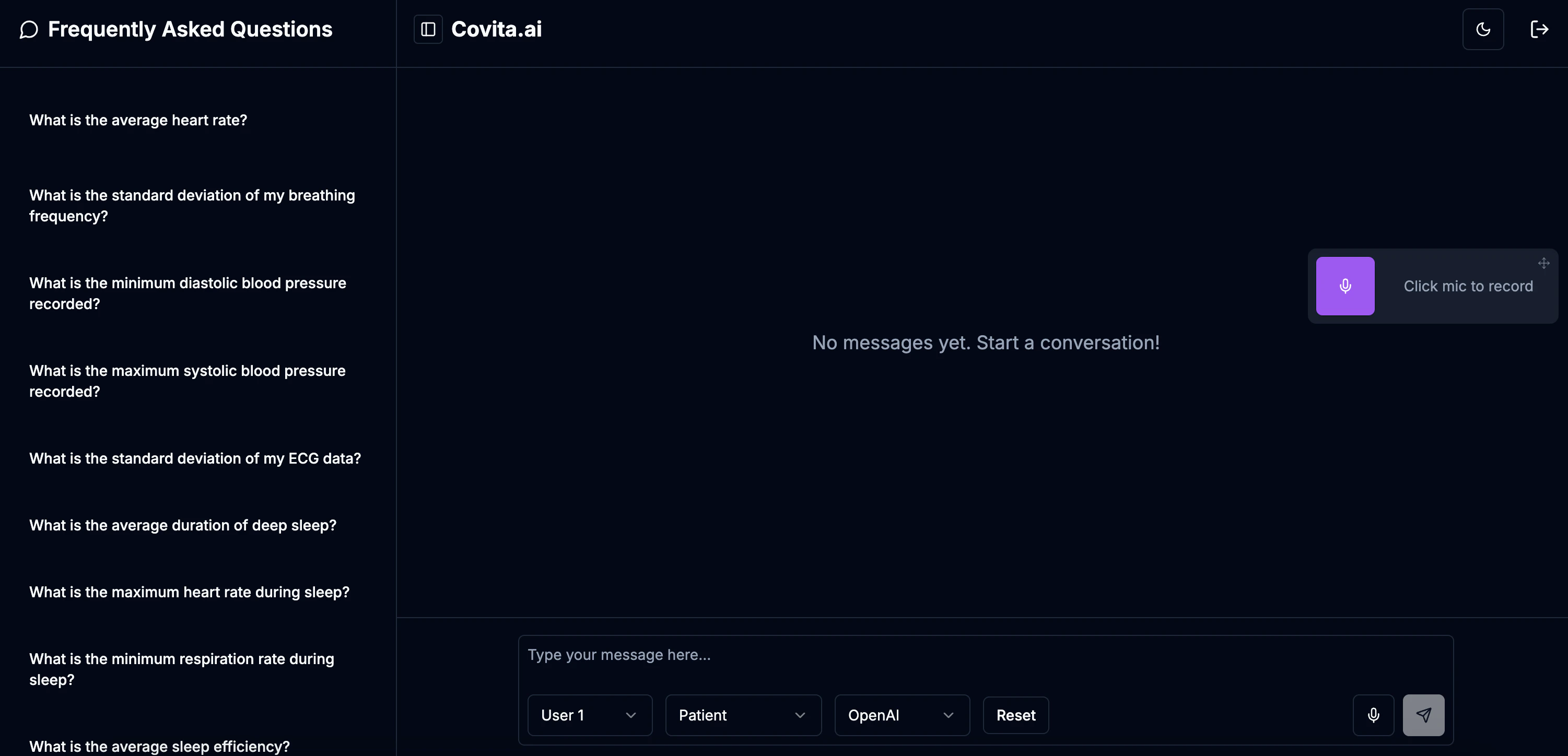
<img className="hidden dark:block" src="https://mintcdn.com/nivara/BdU5x643xwbrBgr0/projects/covita/versions/v0.2/images/covita-alpha-0.2-dark.png?fit=max&auto=format&n=BdU5x643xwbrBgr0&q=85&s=023da34afc168b5e1ebe56d4016dbd56" alt="Covita Dashboard Dark" width="3002" height="1448" data-path="projects/covita/versions/v0.2/images/covita-alpha-0.2-dark.png" />

## Quick Start

Follow these steps to quickly get started with Covita v0.2:

<Steps>
  <Step title="Access Covita">
    Visit [covita.nivara.io](https://covita.nivara.io) to access the Covita interface.
  </Step>

  <Step title="Login">
    Log in using your whitelisted credentials. Contact admin if you need access.
  </Step>

  <Step title="Select Agent Type">
    Choose your agent type (Patient, Coach, or Doctor) based on your role and needs.
  </Step>

  <Step title="Select Model">
    Choose your preferred model (OpenAI or Gemini) for interaction.
  </Step>

  <Step title="Provide Your Query">
    You can submit your question by typing it or by using the microphone icon for voice input. (A browser prompt may appear asking for microphone access.)
  </Step>

  <Step title="Start Interacting">
    Engage with your chosen agent to receive insights based on patient data. You can also click the sound icon beneath each agent's response to hear the reply spoken aloud.
  </Step>
</Steps>

## New in v0.2

<div className="p-6 border rounded-lg bg-gradient-to-r from-green-50 to-emerald-50 dark:from-green-900 dark:to-emerald-900">
  <h3 className="text-xl font-bold mb-4">Key Enhancements in v0.2</h3>

  <div className="space-y-4">
    <div className="p-4 border-l-4 border-green-500 bg-green-50 dark:bg-green-900/30">
      <h4 className="font-bold">Whitelisted Login</h4>
      <p>Enhanced security with a whitelisted login system using Supabase, ensuring only authorized users can access the application. Contact administrators for access.</p>
    </div>

    <div className="p-4 border-l-4 border-blue-500 bg-blue-50 dark:bg-blue-900/30">
      <h4 className="font-bold">Voice Functionality</h4>
      <p>Natural voice interaction capabilities allow users to speak queries and receive spoken responses, enhancing accessibility and ease of use.</p>
    </div>

    <div className="p-4 border-l-4 border-purple-500 bg-purple-50 dark:bg-purple-900/30">
      <h4 className="font-bold">Dietitian Integration in Coach Agent</h4>
      <p>The Coach Agent now incorporates dietitian expertise, providing more accurate and professionally-backed nutritional recommendations.</p>
    </div>

    <div className="p-4 border-l-4 border-orange-500 bg-orange-50 dark:bg-orange-900/30">
      <h4 className="font-bold">Specialized Recommendations</h4>
      <p>Enhanced recommendation capabilities in all areas:</p>

      <li>Fitness recommendations tailored to individual capabilities and goals</li>
      <li>Diet recommendations based on nutritional science and personal health data</li>
      <li>Medical recommendations from the Doctor Agent based on comprehensive health analysis</li>
    </div>
  </div>
</div>

## Project Overview

### About Co.Vita

Co.Vita is a 12-month cohousing community initiative designed for seniors between the ages of 65 and 85. The project will not function as a nursing home, and will culminate in the development of three buildings. The seniors can come and go as they please, just like they would in a hotel or residence. They are welcome to have visitors, and they can even take vacations and leave their smart suite vacant for any length of time.

<Note>
  Co.Vita's mission is to detect, anticipate and help to manage life-shortening conditions and improve health and longevity, through active engagement, both physical and mental.
</Note>

For detailed information about our solution, tech stack, agent details, and other technical aspects, please refer to the <a href="/projects/covita/versions/v0.1/overview">v0.1 documentation</a>.

<div className="mt-8 p-4 border rounded-lg bg-blue-50 dark:bg-blue-900">
  <h3 className="font-bold text-center">Need Help?</h3>

  <p className="text-center mt-2">
    If you encounter any issues or have questions, our team is here to help.
  </p>

  <div className="flex justify-center mt-4">
    <a href="mailto:desk@nivara.io" className="px-4 py-2 bg-blue-600 text-white rounded-md hover:bg-blue-700 transition-colors">
      Contact Us
    </a>
  </div>
</div>
