

Project Overview
Clever AI is an AI-powered ticketing intelligence platform that enhances customer experience for Clever Servizi Energetici S.p.A. by automating the creation and management of maintenance requests through conversational agents.Key Challenges
- Manual ticket creation processes
- Incomplete or inaccurate customer data capture
- Lack of real-time insights into ticket status and resolution
Our Solution
Clever AI introduces a conversational agent that:- Listens to customers via microphone using Google Cloud Speech-to-Text.
- Extracts mandatory information (name, phone, address, issue) using Natural Language Understanding.
- Prompts for any missing required detail before proceeding.
- Accepts optional details such as role/job, priority, and request type.
- Logs the ticket and hands off to human operators when necessary.
- Supports English and Italian seamlessly.
Quick Start
Open Clever AI Conversation Agent
Start the Conversation
Provide Required Details
Review Ticket
Core Components
Conversational Ticket Logging
Analytics Dashboard
Ticket & Conversation History
Getting Started with Clever AI Conversation Agent
Overview
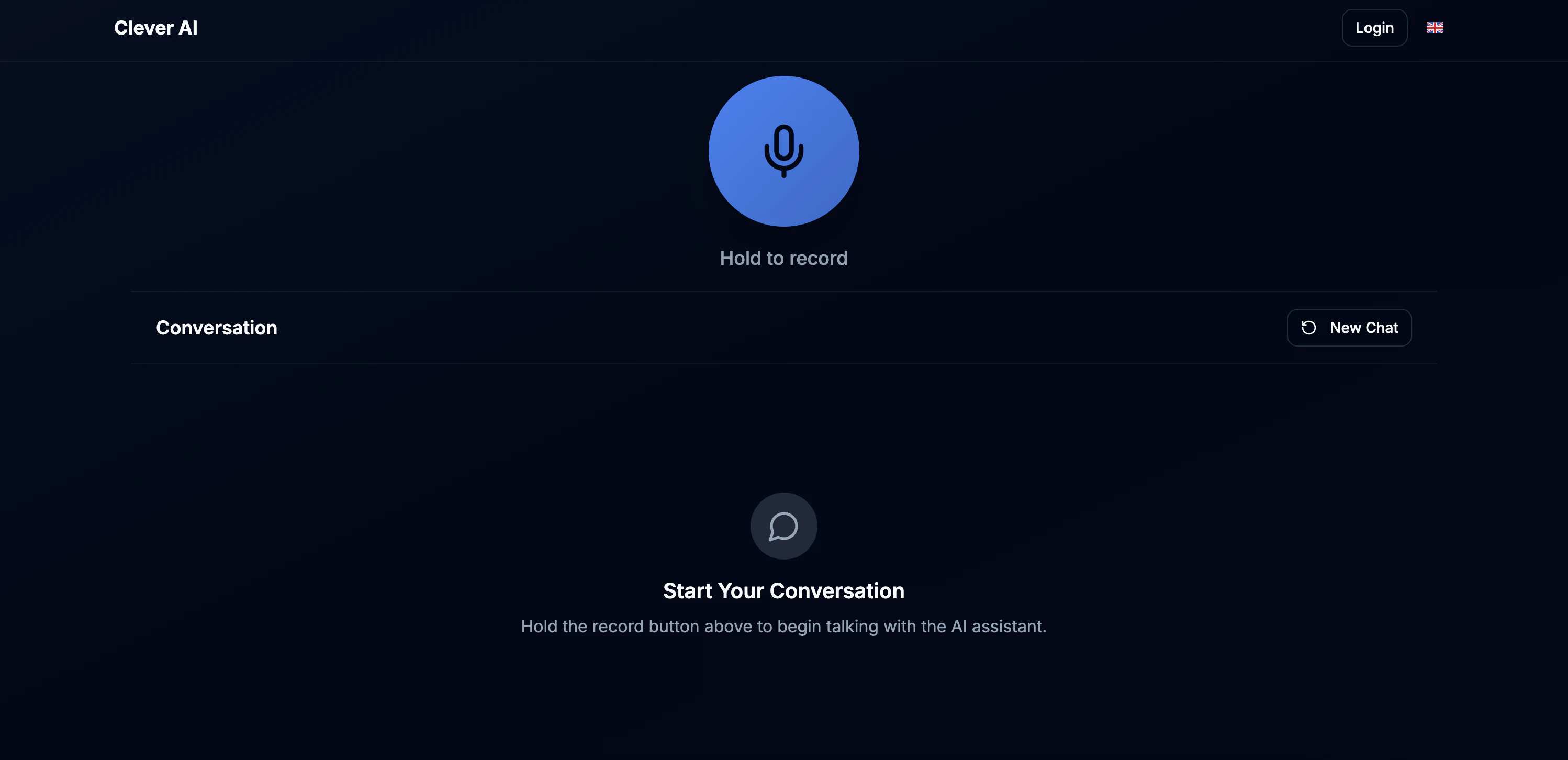
Clever AI is an advanced conversational ticketing agent designed specifically for Clever Servizi Energetici S.p.A. that transforms customer service through voice-powered interactions. Using cutting-edge AI technology, it automates ticket creation and management while maintaining natural, multilingual conversations.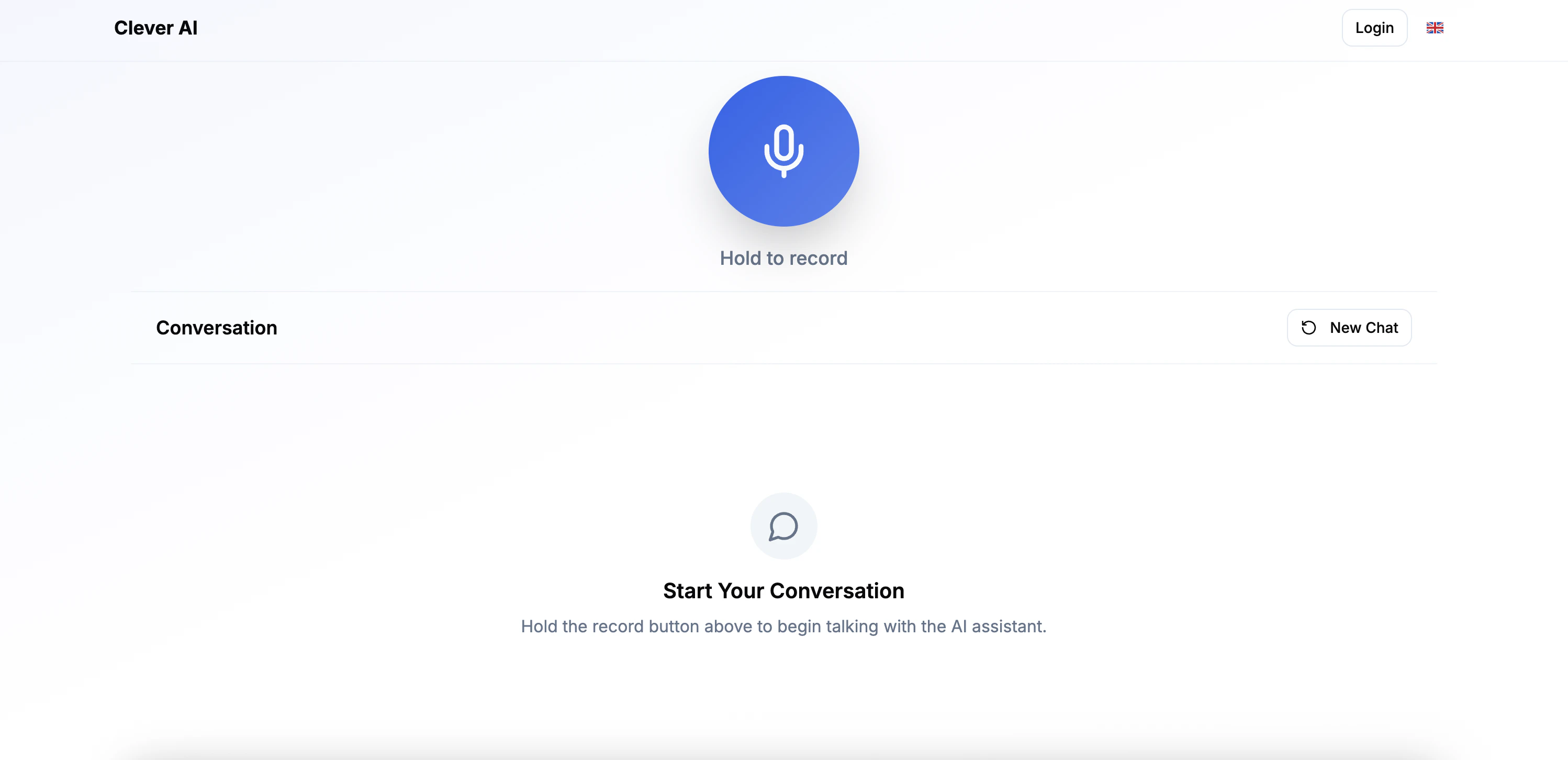
System Requirements
Application Requirements
- Web Browser: Latest version of Chrome
- Microphone Access: Required for voice interaction
- Internet Connection: Required for accessing the application
Voice Interaction Features
Speech Recognition
Speech Recognition
- Multi-Lingual Support
- Best for balanced accuracy and cost-effectiveness
Natural Language Understanding
Natural Language Understanding
- Extracts customer information intelligently
- Handles complex maintenance requests
- Maintains conversation context
Response Generation
Response Generation
- Clear, professional voice synthesis
- Confirmation of captured information
- Guided prompts for missing details
How to Use Clever AI
Follow these steps to create your first maintenance ticket using voice commands:Access the Conversation Agent
Start Speaking
Provide Required Information
Add Optional Details
Confirm and Submit
Core Components
Clever AI offers a comprehensive set of features designed to revolutionize maintenance ticket management through intelligent conversation:Voice-Powered Ticket Creation
Create maintenance tickets through natural voice conversations in Italian or English.
Smart Information Capture
Intelligent extraction of customer details and maintenance requirements.
Ticket Management System
Comprehensive ticket lifecycle management with automated workflows.
Analytics & Insights
Real-time analytics and reporting for ticket performance and trends.
Tech Stack
Frontend Technologies
Frontend Technologies
TypeScript
Core language for type-safe frontend development
- Strong typing for better code quality
- Improved maintainability
Backend Infrastructure
Backend Infrastructure
FastAPI
High-performance Python web framework
- Automatic API documentation
- Type hints and validation
SQLite
Lightweight database for tickets and logs
- Zero configuration required
- ACID compliance
AI & Cloud Services
AI & Cloud Services
OpenAI GPT-4.1-mini
Advanced language model for conversation
- Natural language understanding
- Context-aware responses
- Multi-language support
Google Cloud AI
Speech-to-text and text-to-speech services
- Natural voice synthesis
Deployment & DevOps
Deployment & DevOps
🐳 Docker
Containerization for consistent deployment across environments
☁️ Cloud Run
Serverless container platform for scalable API serving
⚙️ CI/CD
GitHub Actions & WatchTower for automated deployment
Agent Details
Agent Tools & Capabilities
Agent Tools & Capabilities
🚀 Session Management
- start_conversation_tool
- complete_conversation_tool
- finalize_conversation_tool
📋 Information Extraction
- extract_customer_info_tool
- prompt_for_issue_tool
🔧 Issue Resolution
- troubleshoot_issue_tool
- skip_troubleshooting_tool
✅ Confirmation Handling
- handle_confirmation_rejection_tool
🏠 Query Routing
- handle_non_housing_inquiry_tool
Need Help?
If you encounter any issues or have questions about Clever AI, our team is here to help.